New 10 AI Art Prompts for Sci-Fi, Fantasy, and Surreal Digital Illustrations of Ethereal Beings
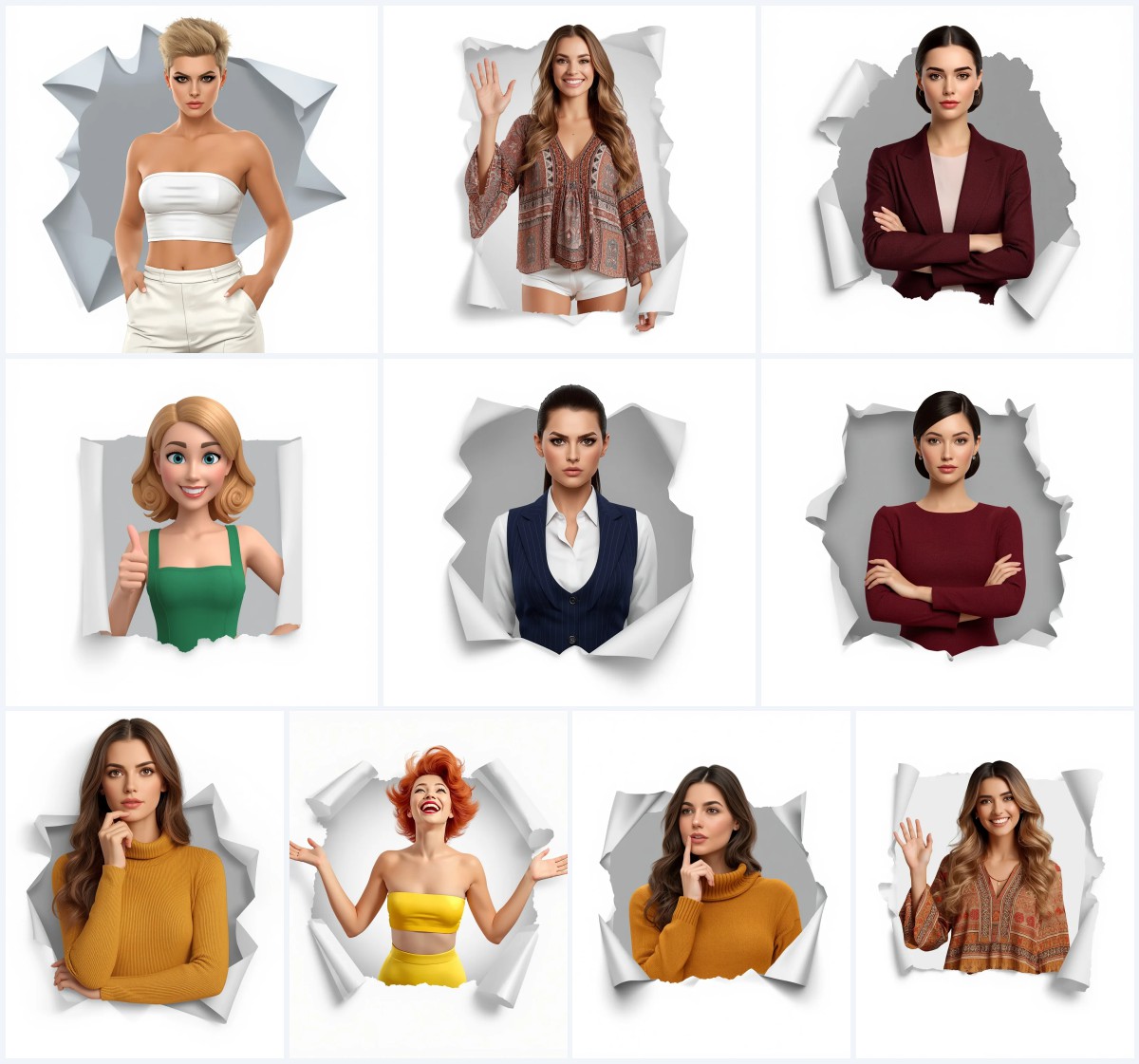
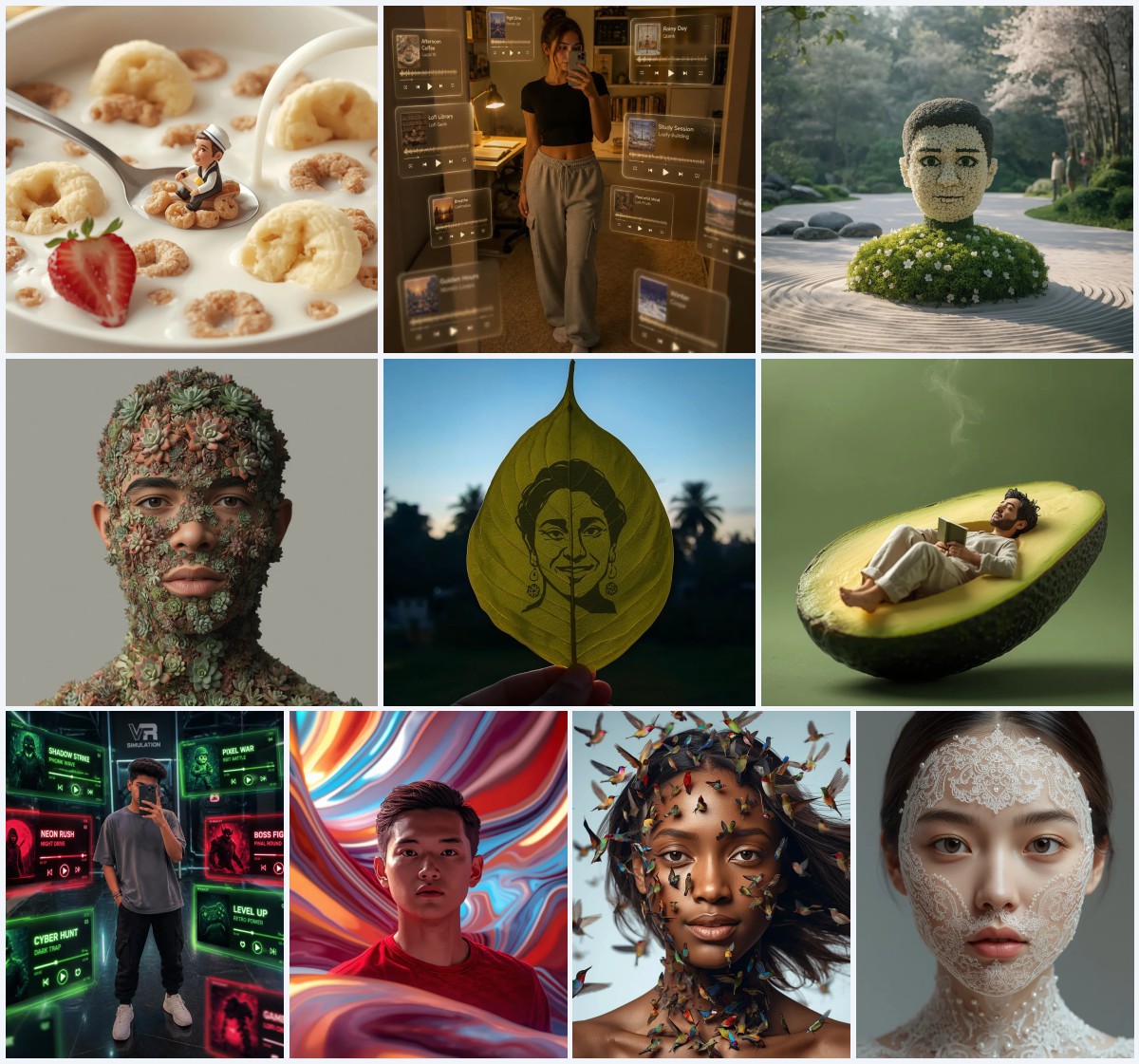
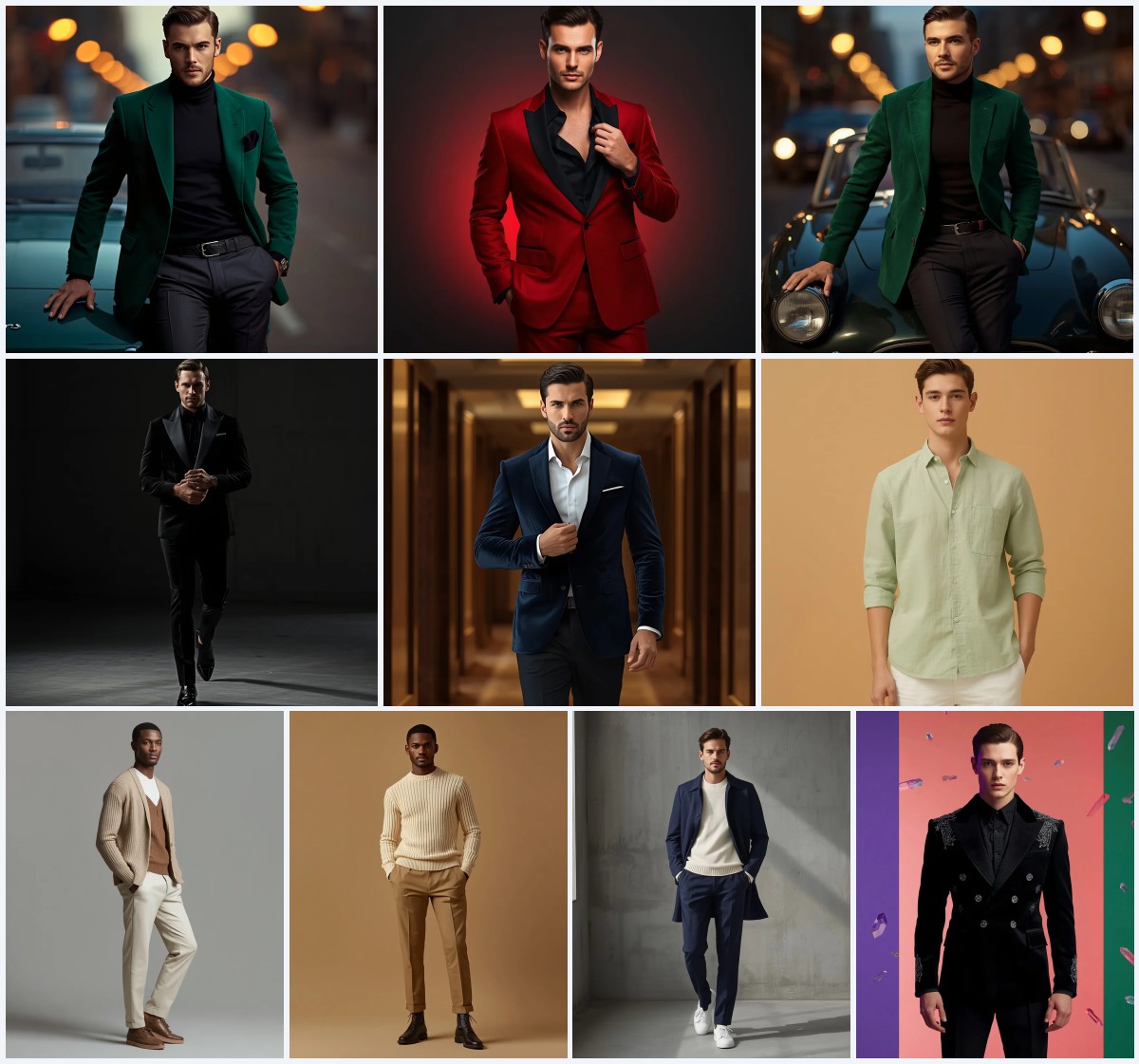
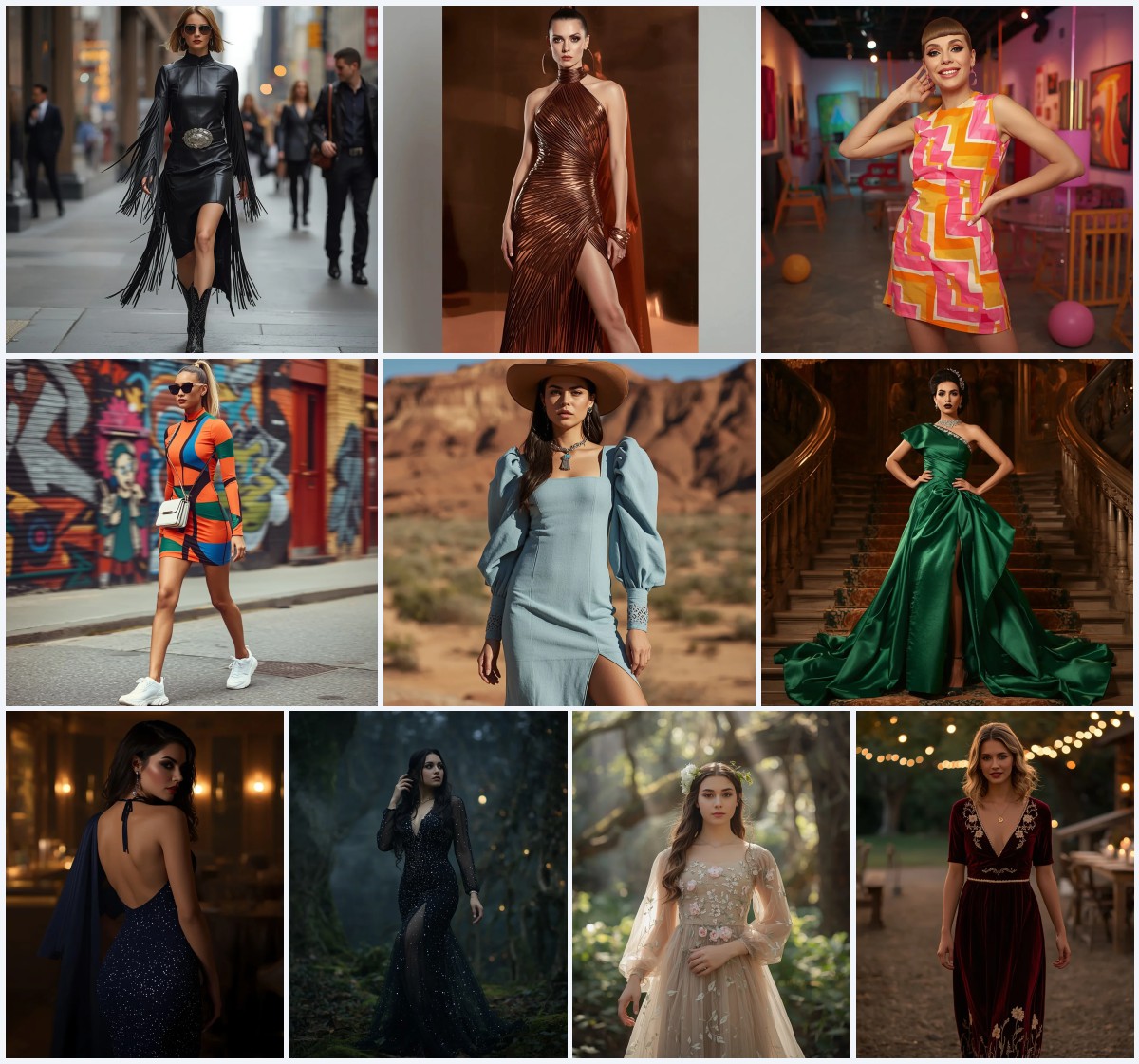
This curated set of ten AI image prompts pushes digital portraiture into bold new territory, blending identity preservation with sci-fi, fantasy, and surreal aesthetics. Each prompt is built around a reference image, ensuring the main subject’s face, outfit, and essence stay intact while the surrounding scene transforms into something otherworldly.
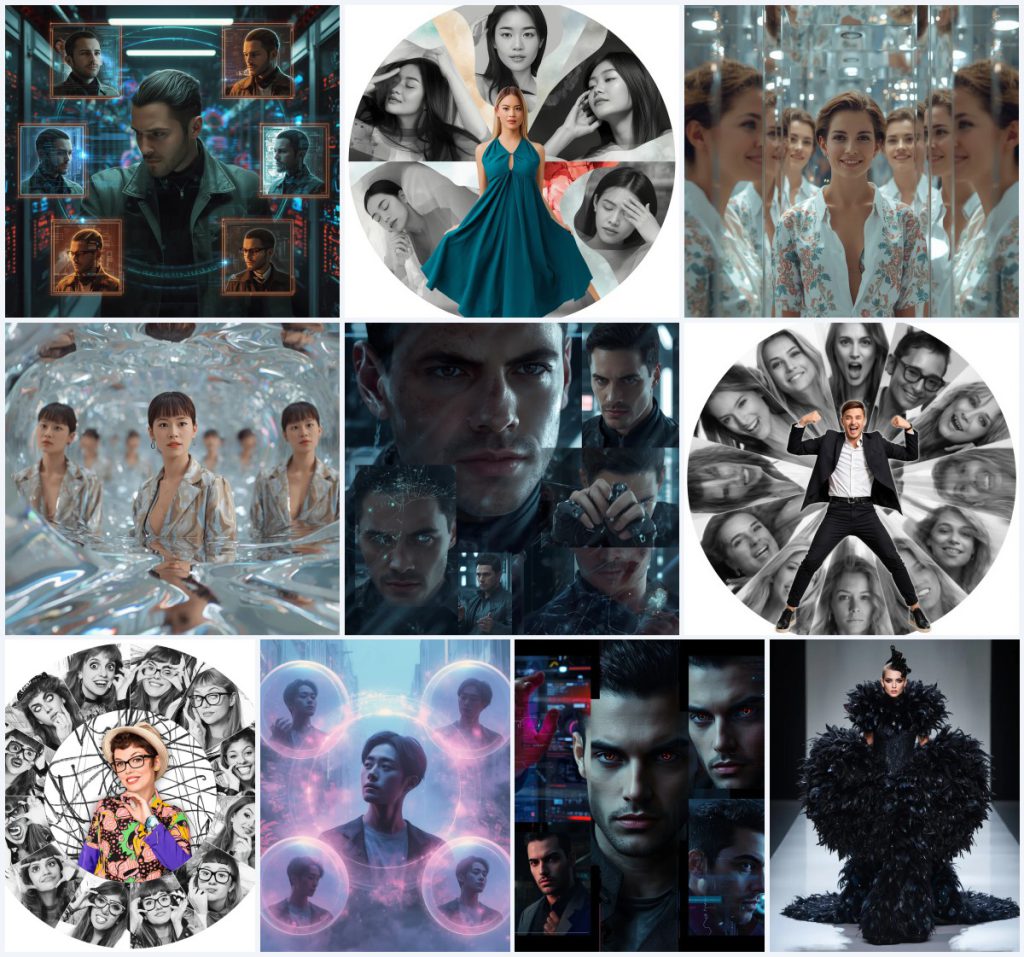
From flowing data streams and liquid glass reflections to radial collages and scribble-art backdrops, these prompts offer a rich playground for creators. Whether you want a cyberpunk edge, an ethereal dreamscape, or a high-fashion runway moment, this collection provides concrete, reusable techniques for generating stunning, gallery-worthy images.
What this ethereal-beings prompt collection is asking for
Across all ten prompts, the core instruction is to use an uploaded reference image as the main subject and keep their identity recognizable. The prompts then layer on imaginative environments, framing devices, and stylistic treatments that range from cyberpunk data streams to avant-garde runway fashion. The goal is not to replace the person but to place them inside a visually striking, often surreal composition where background elements enhance rather than overpower the central figure.
- A reference image used as the main subject with accurate face, hairstyle, and outfit matching
- A central, prominent placement of the subject in the frame, often with direct eye contact or a confident pose
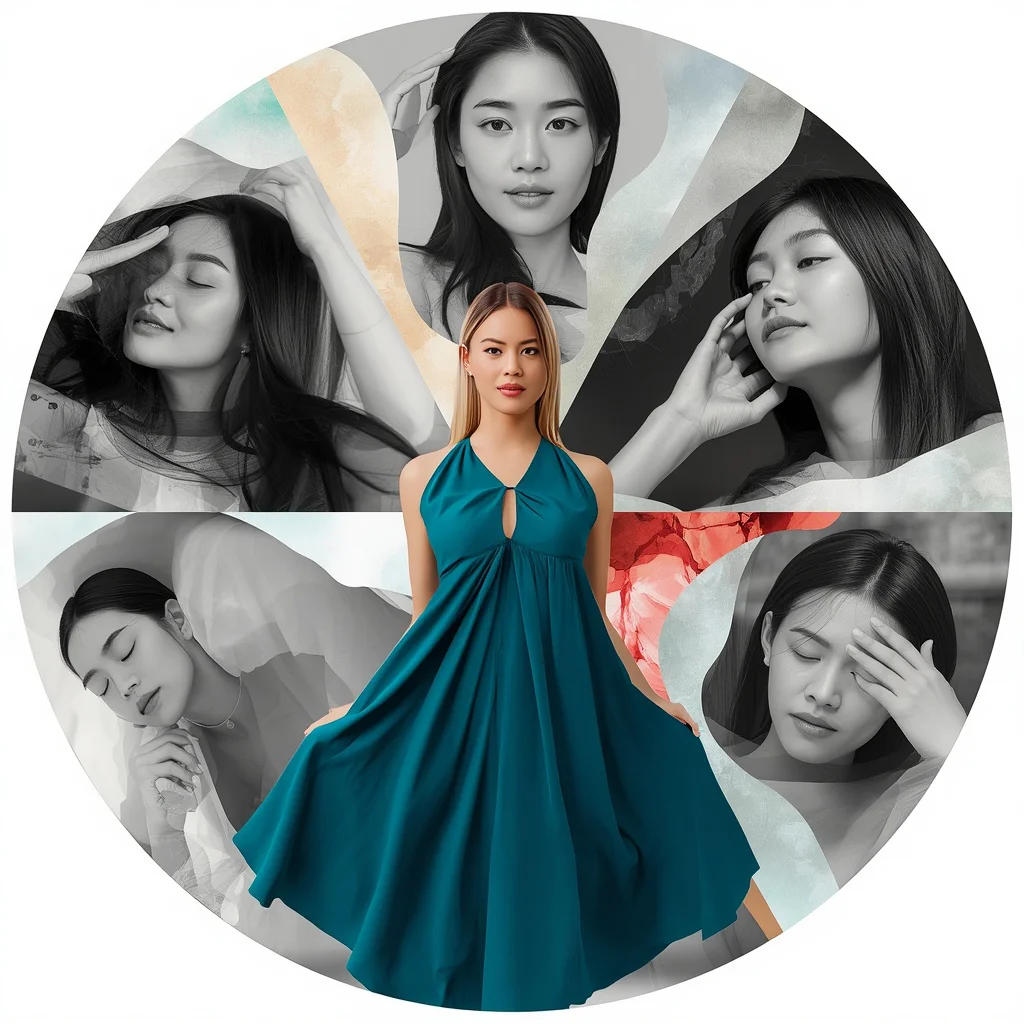
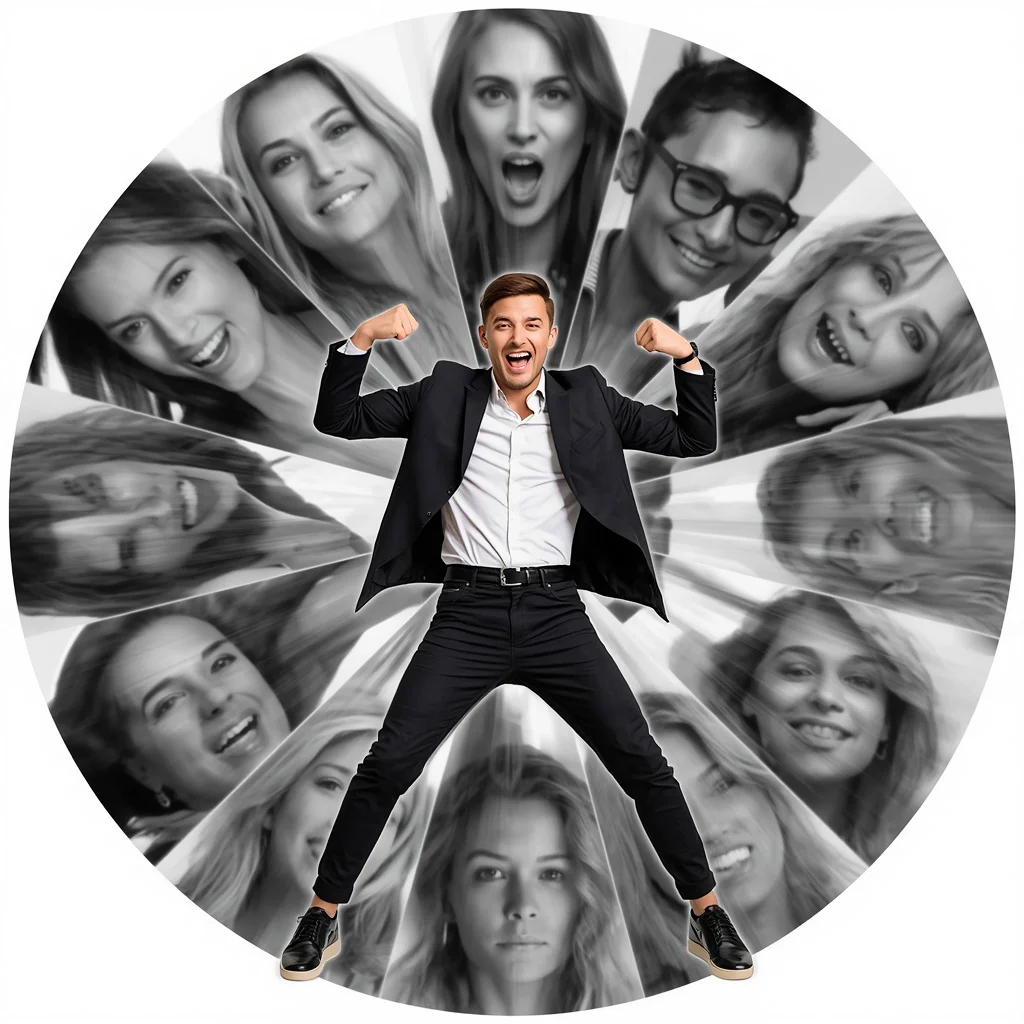
- Multiple background frames or slices showing varied expressions and angles of the same person
- Flowing, technological, or organic elements like data streams, liquid glass, or radial slices orbiting the subject
- High contrast between the full-color central subject and monochrome or muted background portraits
- Specific sci-fi or surreal details such as holographic screens, cracked glass, feather-embellished gowns, or scribble art
The scene these prompts build around the subject
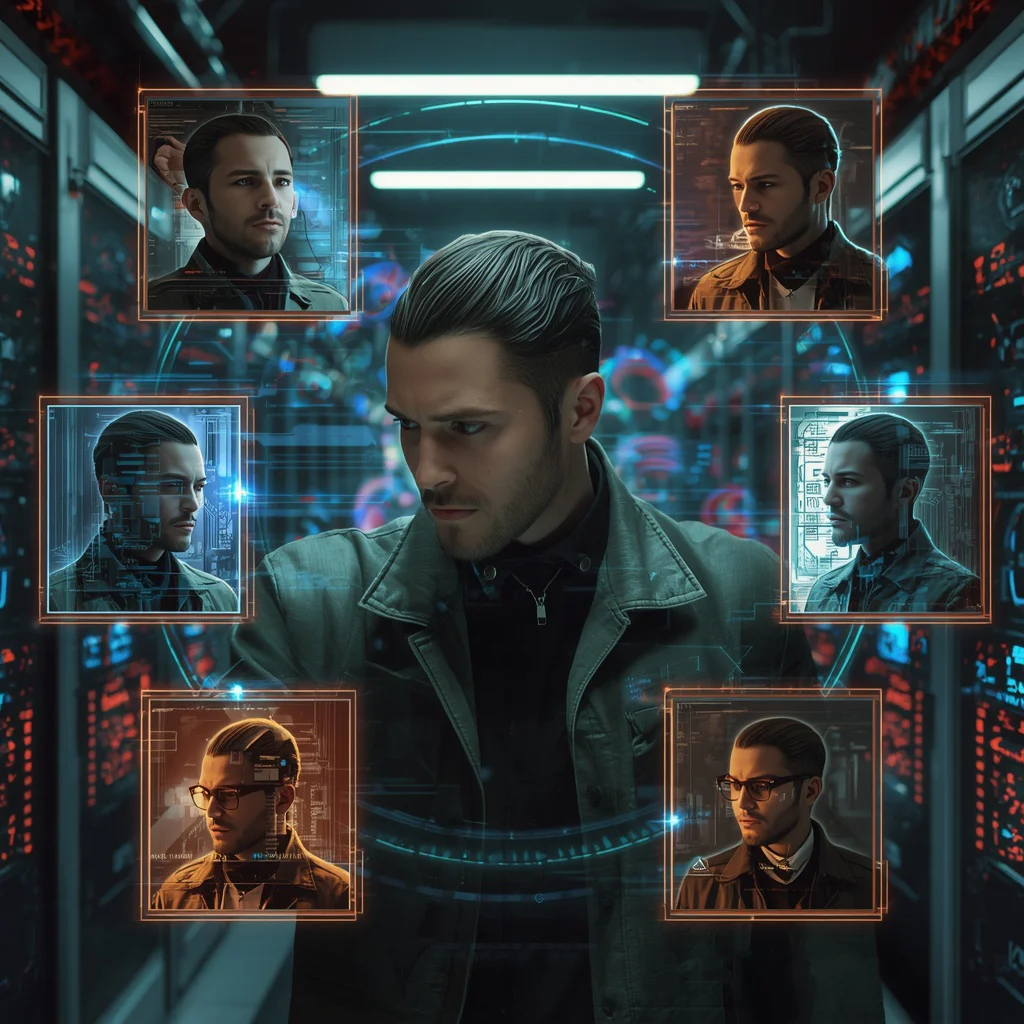
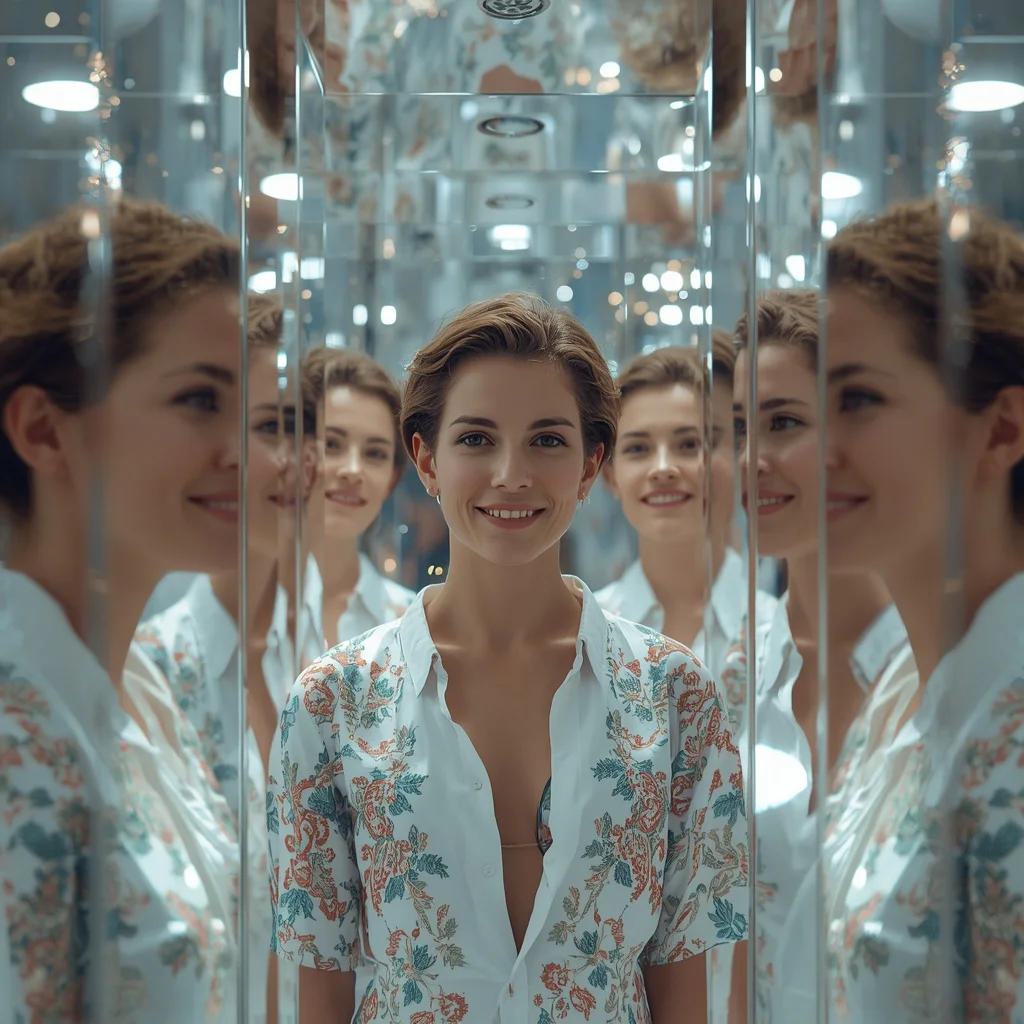
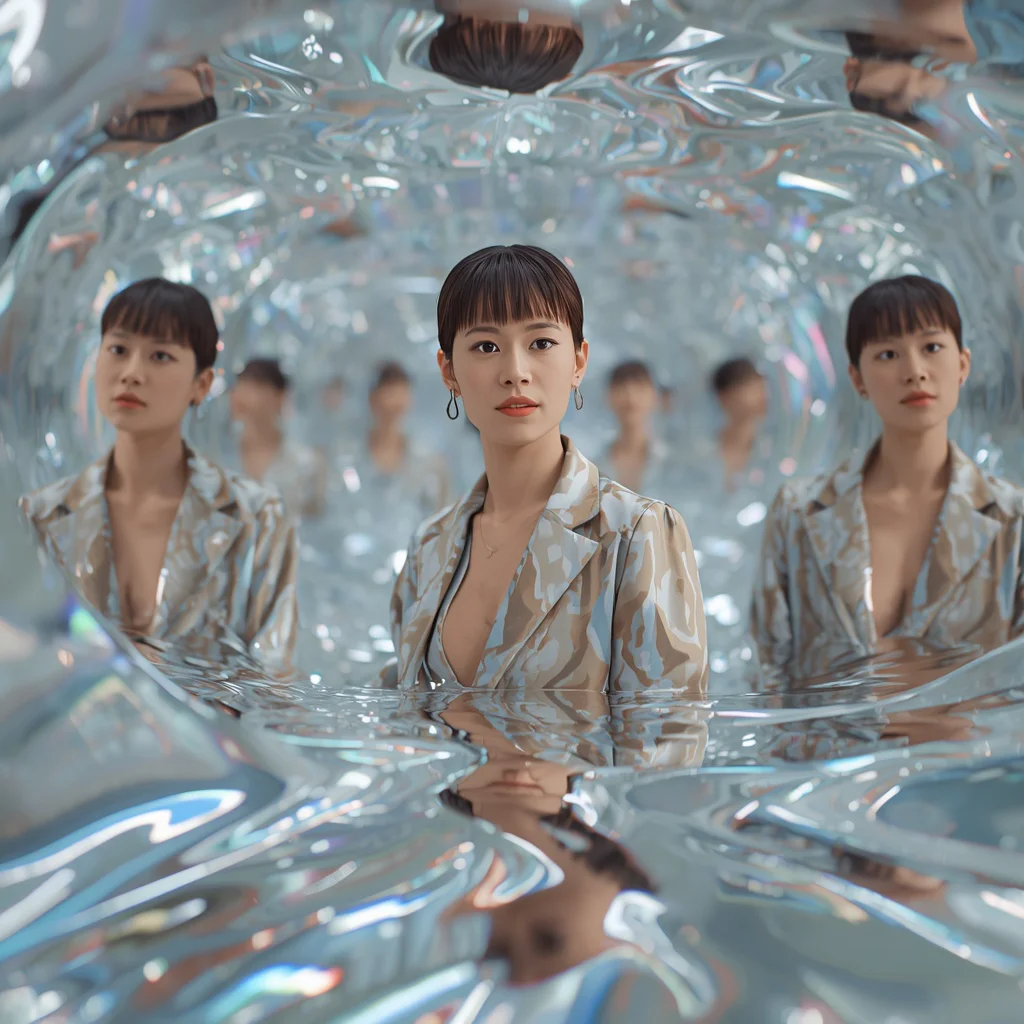
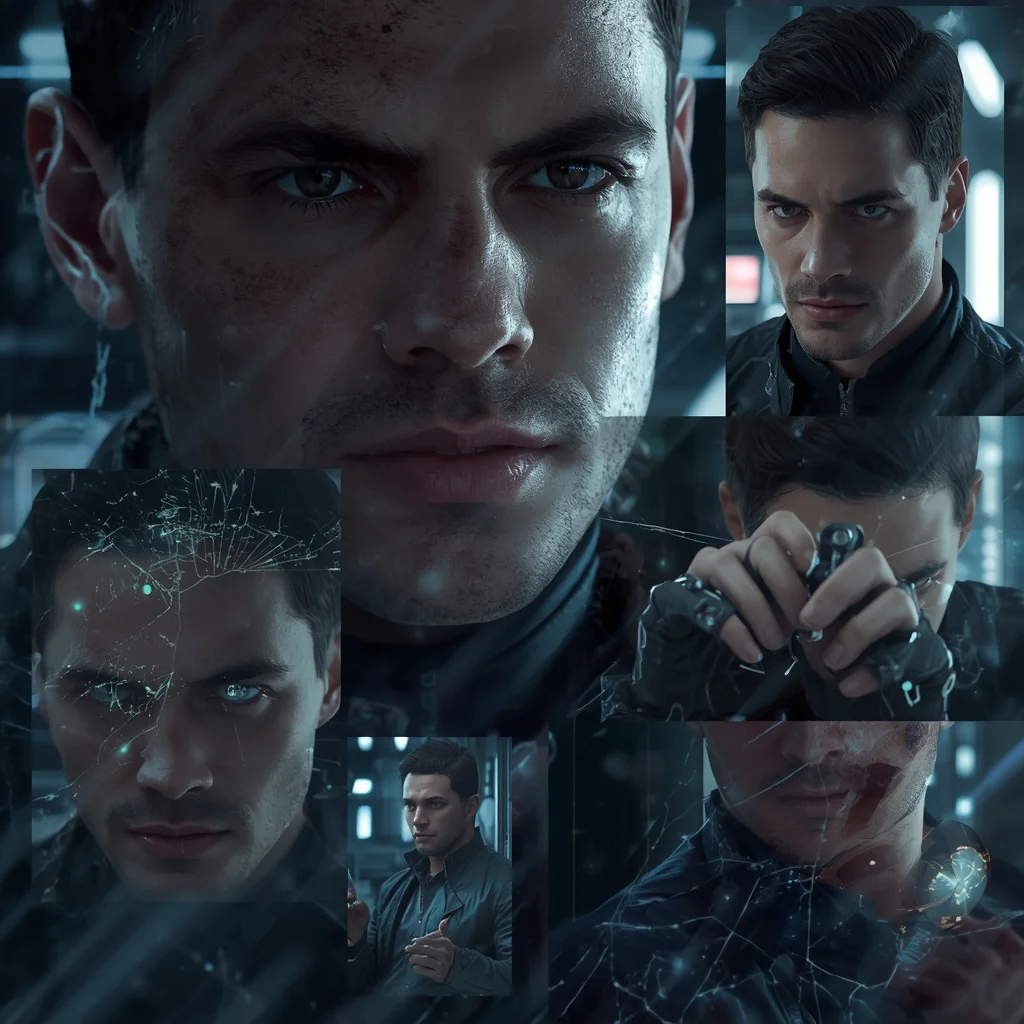
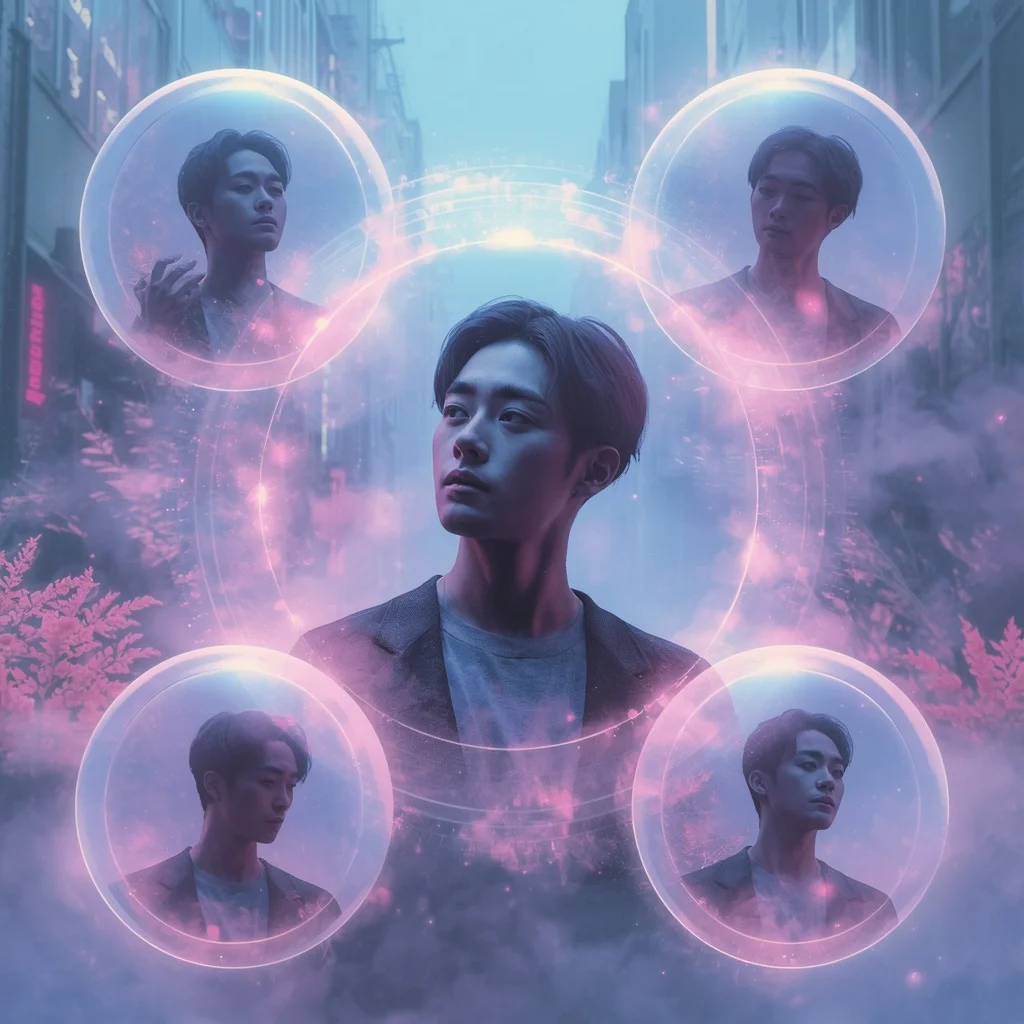
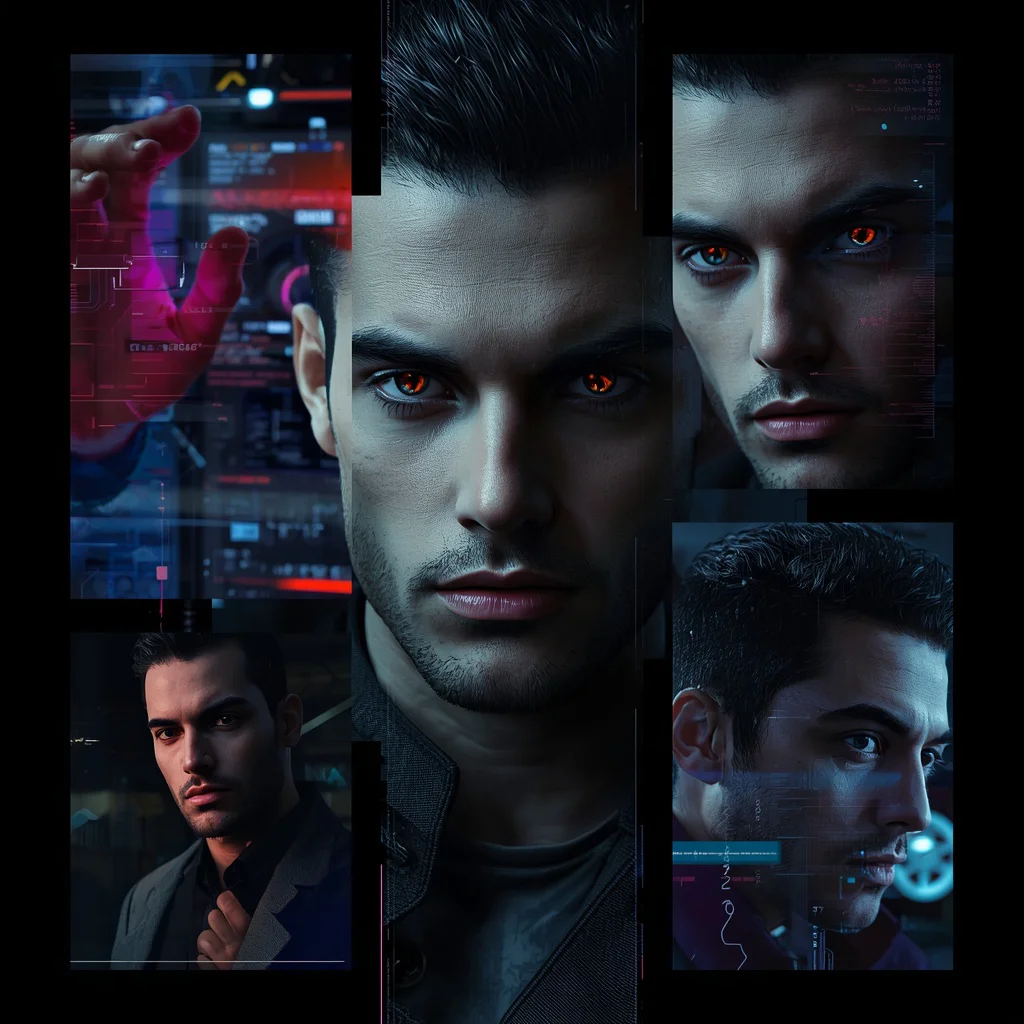
The prompts construct layered, dynamic environments that feel both futuristic and deeply personal. In the Data Stream Cyberpunk prompt, the subject is surrounded by "multiple flowing data stream frames orbiting or surrounding him," each containing a different version of the person. Similarly, the Liquid Glass Mirrorverse prompt places the subject before "multiple liquid glass reflections appearing on flowing, translucent surfaces and shimmering water," creating a fluid, dreamlike backdrop.
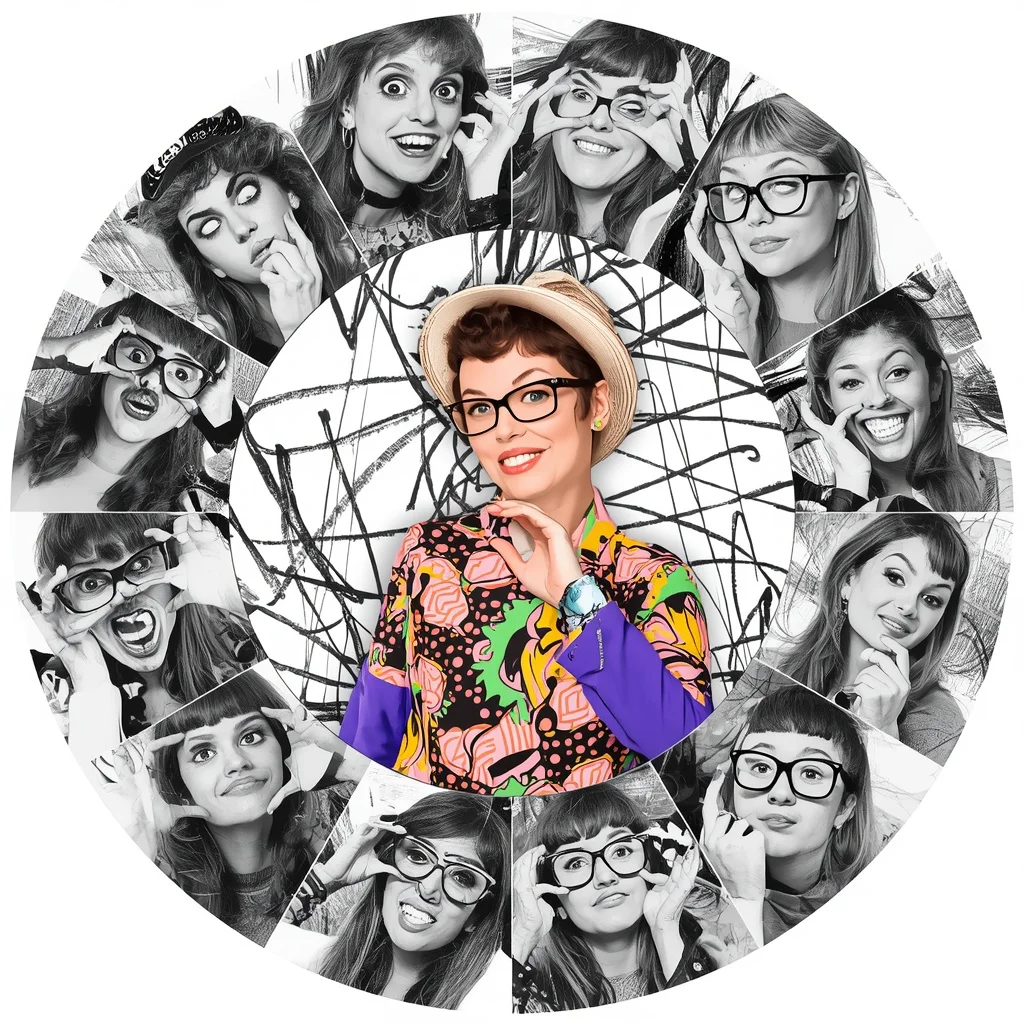
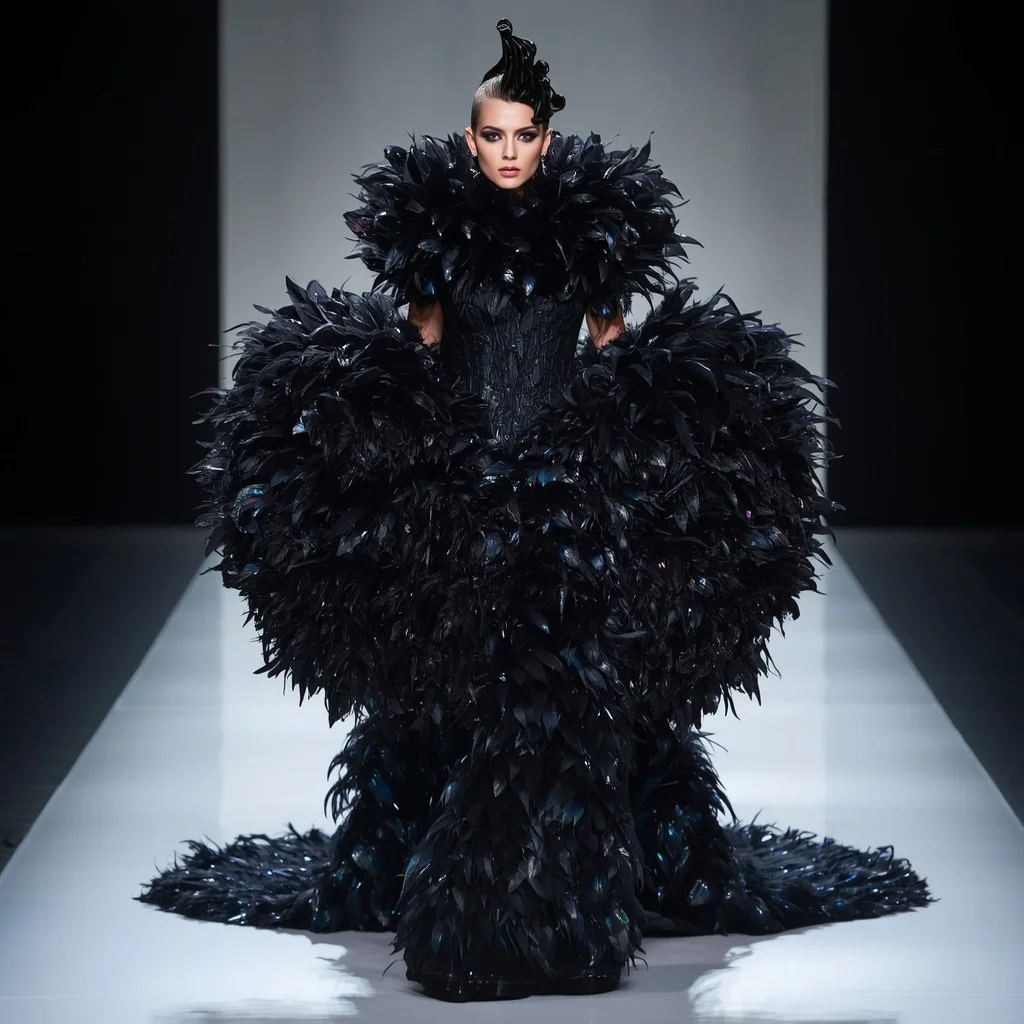
Other prompts in the collection use circular collage layouts with radial slices, as in the Abstract Organic Radial prompt where a "circular collage background behind the subject, divided into multiple radial slices with abstract organic shapes and fluid lines" holds black-and-white portraits. The Dramatic Feather Embellished Gown prompt shifts the scene entirely to a "minimalist runway with sharp, futuristic lighting," proving the collection's versatility across settings.
Why this collection works for identity-preserving surreal portraits
These prompts excel because they solve a common AI art problem: keeping a person's likeness intact while radically transforming the scene. By explicitly instructing the AI to match the reference image's face, hairstyle, and outfit, and to place the subject prominently at the center, the results stay grounded in reality even as the surroundings become fantastical. The collection also offers multiple aesthetic directions—cyberpunk, mirrorverse, collage, high fashion—giving creators plenty of room to experiment without losing the subject's identity.
- The reference-image anchor ensures the person remains recognizable across wildly different artistic treatments, making the output usable for personal branding or creative portfolios.
- Background elements like data streams, radial slices, and liquid reflections add depth and motion without competing with the main subject, thanks to clear layering instructions.
- The variety of moods—from intense, technological gazes to serene, contemplative poses—lets one set of prompts serve multiple storytelling needs, from edgy sci-fi to elegant fantasy.
Three artistic styles woven into these prompts
While the collection spans multiple visual approaches, three distinct styles consistently appear across the prompts: cyberpunk, surreal mirrorverse, and radial collage. Each prompt stays within its chosen style, so you won't find a cyberpunk prompt asking for scribble art or a collage prompt drifting into liquid glass effects. The styles are self-contained, making it easy to pick the exact aesthetic you want.
- Cyberpunk: In prompts like Data Stream Cyberpunk and Ethereal Dreamscape Cyberpunk, neon-lit data streams, holographic interfaces, and tech-gloved hands create a high-tech, gritty atmosphere.
- Surreal Mirrorverse: Prompts such as Multi-Dimensional Mirrorverse and Liquid Glass Mirrorverse use fragmented glass, shimmering water, and layered reflections to build a dreamy, identity-multiplying effect.
- Radial Collage: Abstract Organic Radial, Dynamic Radial Collage, and Scribble Art Radial all use circular, slice-based layouts with monochrome background portraits for a vibrant, graphic-novel feel.
How to generate images with this collection step by step
Getting consistent, high-quality results from these prompts requires careful preparation and a bit of post-generation checking. Start by selecting a clear, well-lit reference photo where the subject's face and outfit are fully visible. The prompts are designed for tools that support image uploads, so make sure your chosen AI platform accepts reference images. After generation, always inspect the output for common AI glitches before considering it finished.
- Copy the prompt. Choose one prompt from the collection and copy its full text, keeping all instructions about the reference image and background elements intact.
- Upload a reference image. Use a high-resolution photo of the person as the reference. Ensure the face, hairstyle, and outfit match what the prompt describes for the main subject.
- Generate the image. Paste the prompt into your AI tool's text field and attach the reference image. Run the generation with default settings first, then adjust if needed.
- Check the face. Zoom in on the central subject's face. Compare it to the reference image to confirm the likeness, expression, and facial details are accurate.
- Check the hands. Look closely at any visible hands, especially in prompts involving tech gloves or hand-on-chin poses. AI often distorts fingers, so verify they look natural.
- Check the main object. Inspect the key background element—data streams, radial slices, or liquid reflections—to ensure it matches the prompt's description without bleeding into the subject.
What makes a good reference photo for these prompts
The reference photo is the backbone of every prompt in this collection, so choosing the right one dramatically affects the final output. A well-prepared image helps the AI accurately map the subject's identity onto the central figure while leaving room for the creative background transformations. Pay attention to lighting, pose, and clarity to get the best results.
- Use a front-facing or slightly angled portrait with even, natural lighting to avoid harsh shadows that confuse the AI's face-matching.
- Ensure the outfit in the reference photo is the one you want preserved; prompts like Masculine Sci-Fi Collage explicitly say "keep my original dress/outfit exactly the same."
- Avoid busy backgrounds in the reference image, as the AI needs a clean subject to extract and place into the new sci-fi or surreal setting.
AI tools suited for this prompt collection
Several AI image generators handle reference-image prompts well, but they differ in realism, accessibility, and how faithfully they preserve identity. The table below compares four popular tools based on their strengths for this specific collection, noting a real detail from the prompts each tool can handle effectively.
| Tool | Access | Typical realism | Useful here for |
|---|---|---|---|
| ChatGPT | Web and mobile, with DALL·E integration | High for stylistic art, moderate for photorealism | Generating the Dramatic Feather Embellished Gown prompt with its detailed description of iridescent black and midnight blue feathers |
| Google Gemini | Web and app, with Imagen integration | Very high photorealism, strong text adherence | Rendering the Data Stream Cyberpunk prompt, accurately placing flowing data stream frames around the central subject |
| Leonardo AI | Web and mobile, free tier available | High, with fine control over style and composition | Creating the Scribble Art Radial prompt, using its artistic filters to produce hand-drawn, sketchy lines and playful expressions |
| Midjourney | Discord-based, subscription required | Exceptional for atmospheric and surreal scenes | Executing the Liquid Glass Mirrorverse prompt, with its fluid, translucent surfaces and shimmering water reflections |
Three tips for better results with these prompts
Small tweaks to how you use the prompts can make a big difference in the final image quality. These tips focus on leveraging specific materials and objects mentioned in the collection to enhance realism and visual impact. Pay attention to the details the prompts emphasize, and you'll get more polished, professional-looking outputs.
- When using the Masculine Sci-Fi Collage prompt, emphasize the "cracked holographic screens" by adding a slight glow effect in post-processing to make the tech elements pop.
- For the Dynamic Radial Collage prompt, ensure the central subject's "vibrant color" contrasts sharply with the monochrome background portraits by boosting saturation on the center figure only.
- In the Dramatic Feather Embellished Gown prompt, focus on the "iridescent black and midnight blue feathers" by adjusting the lighting in your AI tool to highlight their textural, shimmering quality.
Common issues and quick fixes for this prompt collection
Even well-crafted prompts can produce flawed results, especially when dealing with complex layering and identity preservation. The table below lists four frequent failures these prompts can have and simple adjustments to correct them. Most issues stem from the AI misinterpreting depth, scale, or the boundary between subject and background.
| Issue | What to change |
|---|---|
| Background reflections overlap the main subject's face | Reinforce the prompt's instruction that reflections "must stay in the background only" by adding a negative prompt like "no overlapping faces" |
| The central subject's outfit differs from the reference image | Add a stronger clause: "exactly replicate the outfit from the reference image, including fabric texture and color" |
| Radial slices appear distorted or uneven | Specify "perfectly symmetrical radial slices with clean edges" and reduce the number of slices if the AI struggles with spacing |
| Data streams or liquid glass elements look like solid objects | Use terms like "translucent," "ethereal," or "semi-transparent" in your prompt refinement to prevent the AI from rendering them as opaque |
Frequently Asked Questions
Can I use these prompts without uploading a reference image?
The prompts are designed around a reference image to preserve identity, so skipping it will produce a generic subject instead of a specific person. If you don't have a photo, you can try describing a person in detail, but the results won't match the intended personalization.
Why do the background portraits sometimes look like the central subject?
That's intentional—the prompts instruct the AI to show different versions of the same person in the background frames or slices. This creates a cohesive, mirror-like effect. If the background faces don't match, check that your AI tool supports consistent character generation across multiple instances.
Which prompt works best for a professional portfolio piece?
The Ethereal Dreamscape Cyberpunk prompt is excellent for portfolios because its serene, contemplative pose and soft glowing mist create a polished, artistic look. For a bolder statement, the Dramatic Feather Embellished Gown prompt delivers high-fashion impact.
Conclusion
This collection of ten AI art prompts offers a versatile toolkit for anyone wanting to create sci-fi, fantasy, and surreal portraits that keep the subject's identity front and center. By combining reference-image anchoring with imaginative backgrounds—from cyberpunk data streams to radial collage slices—these prompts deliver consistent, striking results across multiple AI platforms. Whether you're building a personal brand, experimenting with digital art, or crafting a unique gift, the techniques here can be adapted, mixed, and refined to suit your vision.
Remember to only edit and share photos you have the legal right to modify, such as your own portraits or images you've been given explicit permission to use.