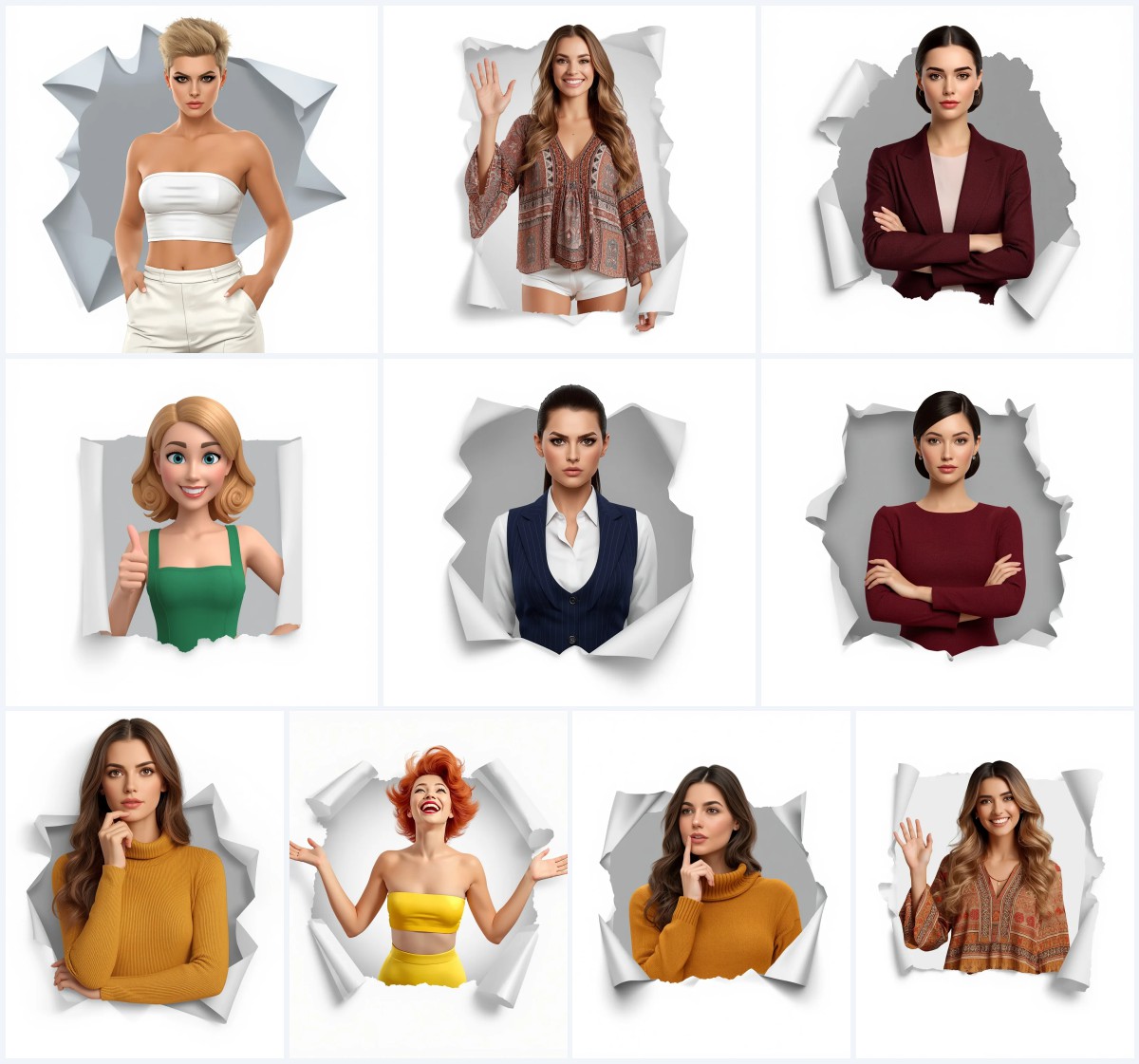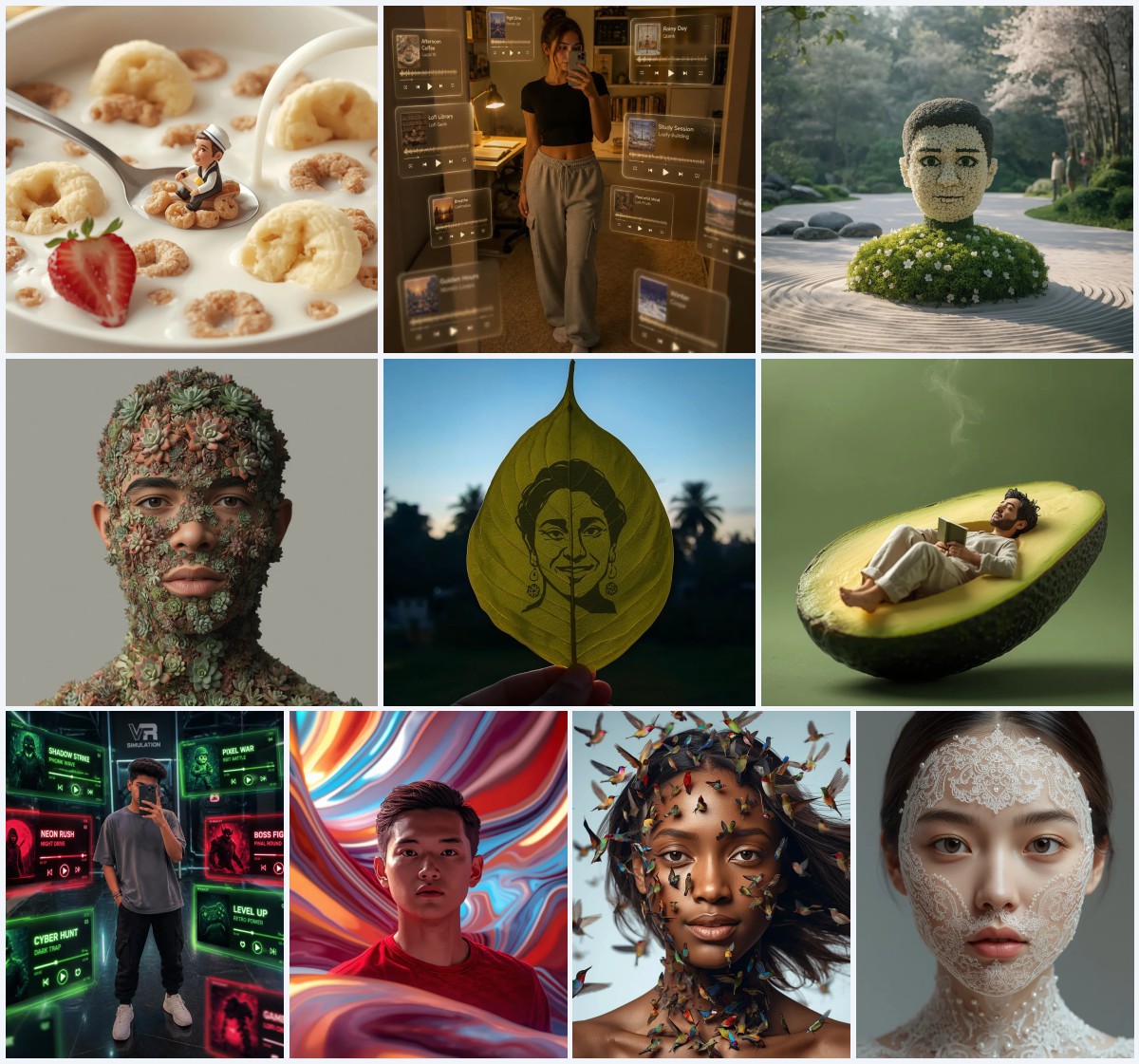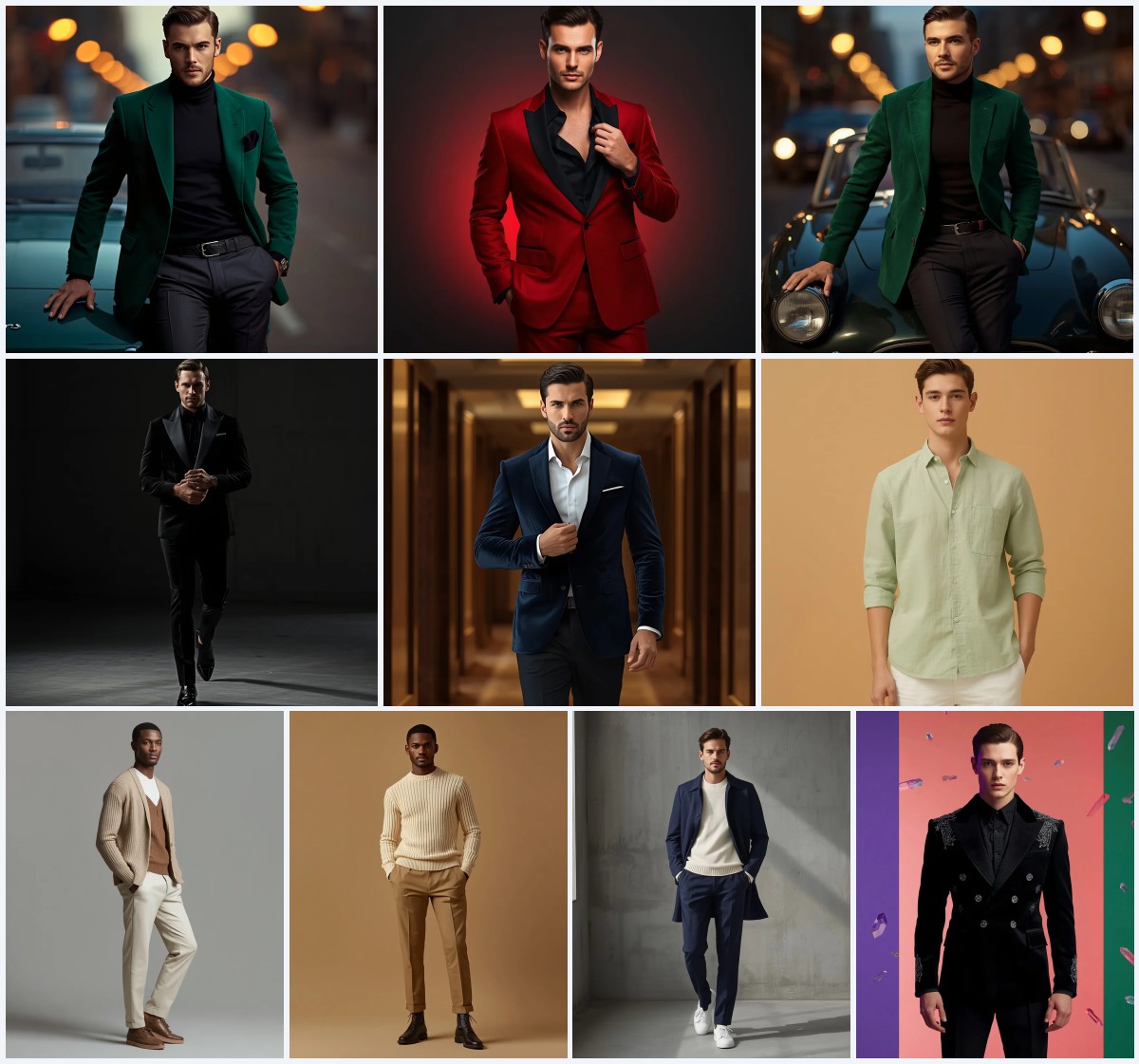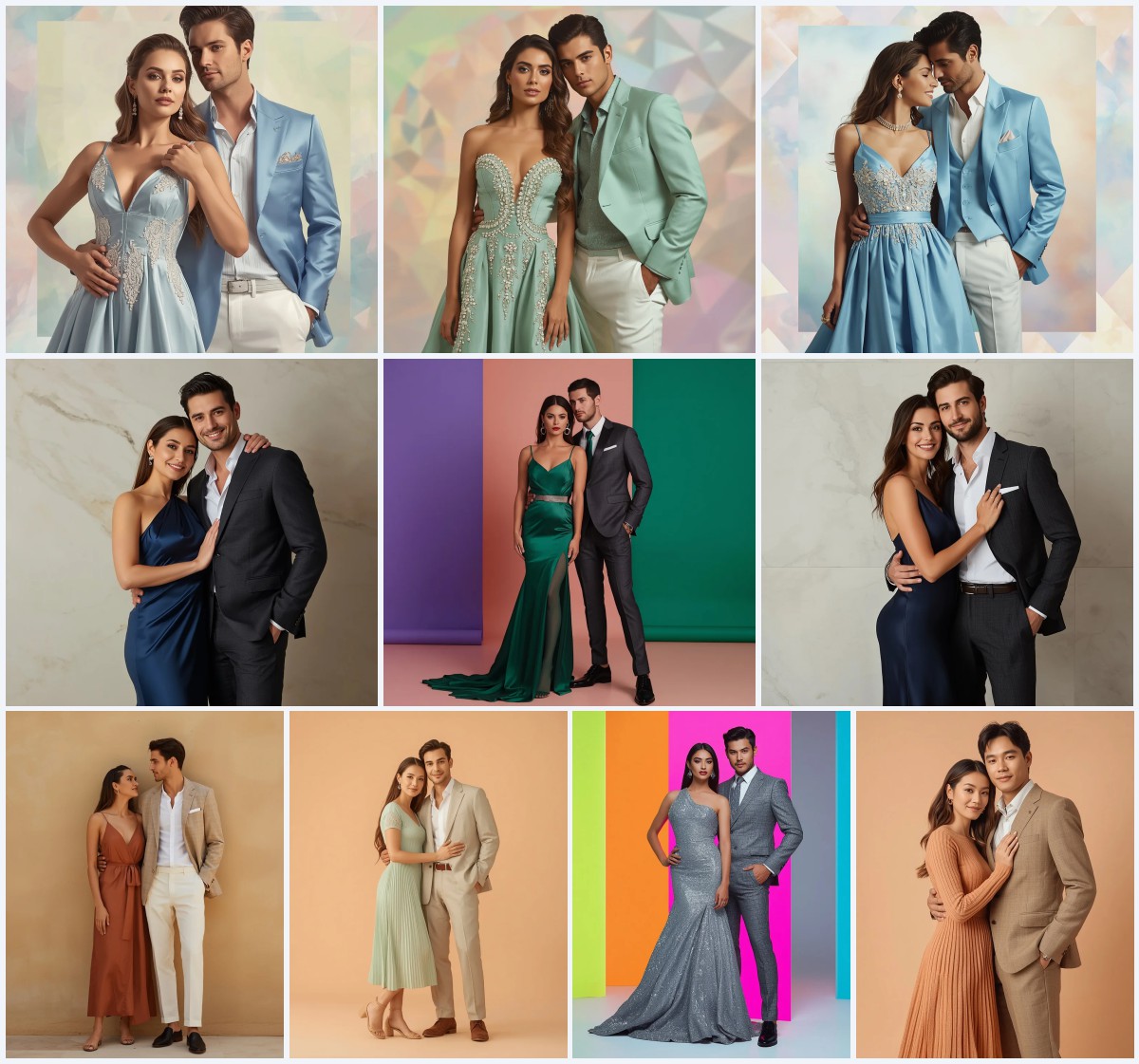


Top 10 AI Prompts for Women’s Expert Prompt Engineering Techniques
This collection of ten AI prompts showcases expert-level engineering for generating striking women's fashion photography. Each prompt is a masterclass in combining specific wardrobe details, lighting conditions, and environmental contexts to produce images that feel both editorial and authentic. From urban streets to enchanted forests, these prompts demonstrate how precise language can guide AI to create cohesive, high-impact visuals.
The techniques here go beyond simple descriptions, weaving together textures, poses, and backdrops that tell a story. Whether you're aiming for a sleek street-style capture or a mystical fairytale scene, understanding the structure of these prompts will elevate your own image generation. Below, we break down the shared elements, why they work, and how you can adapt these methods for your projects.
What this collection of women's fashion prompts is asking for
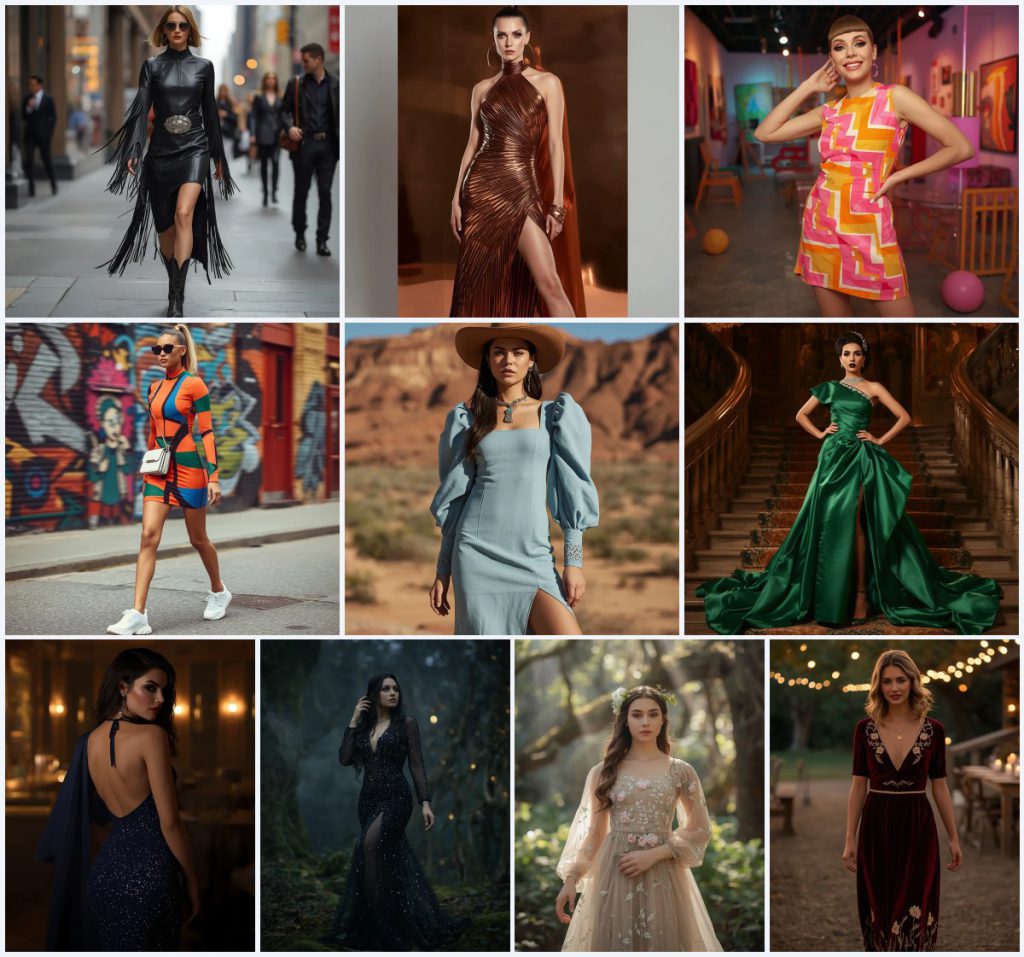
Across these ten prompts, the core request is for full-body or three-quarter portraits of women in meticulously described outfits, set against carefully chosen backdrops. The AI is directed to render not just clothing, but the interplay of fabric, light, and environment. Each prompt specifies garment details like 'laser-cut patterns' or 'architectural drapery,' ensuring the output is rich in texture and narrative.
- A woman as the central subject in a confident or ethereal pose.
- Specific garment features such as 'fringe detailing,' 'high, structured neckline,' or 'geometric print.'
- Defined settings like 'bustling city street,' 'minimalist, reflective copper backdrop,' or 'mystical forest at twilight.'
- Lighting conditions including 'bright, directional studio lighting' or 'dappled moonlight.'
- Accessories like 'polished ankle cowboy boots,' 'sculptural copper jewelry,' or 'mirrored aviator sunglasses.'
- Technical camera specs such as '35mm lens, f/2.8' or '100mm lens, f/1.8.'
Scene breakdown across the ten prompts
The scenes range from urban dynamism to natural serenity. In the 'Urban Cowgirl Chic' prompt, the subject strides down a 'bustling city street' with 'blurred city lights and passersby,' creating a contrast between western attire and metropolitan energy. The 'Copper Goddess' prompt places her against a 'minimalist, reflective copper backdrop,' using 'bright, directional studio lighting' to amplify the metallic gown's sheen.
Nature-inspired scenes dominate several prompts. The 'Enchanting Starry Night Mesh Gown' prompt situates the woman in a 'mystical forest at twilight, bathed in dappled moonlight,' with 'ancient trees, glowing moss' in the background. Similarly, the 'Whimsical Floral Embroidered Gown' prompt uses 'an enchanted forest bathed in dappled sunlight' with 'sunbeams filtering through the canopy,' reinforcing a fairytale mood.
Why these prompts excel at generating stunning photos
These prompts succeed because they layer sensory details with technical precision, leaving little room for generic outputs. By naming exact materials like 'rich, shimmering satin' or 'deep burgundy velvet,' they guide the AI toward realistic textures. The inclusion of environmental elements and lighting further anchors the subject, making the image feel grounded and intentional.
- Detailed fabric and accessory descriptions prevent vague renderings, ensuring the dress and jewelry match the intended style.
- Environmental context like 'colorful murals' or 'candlelit outdoor reception' adds depth and mood, making the portrait more than a studio shot.
- Technical camera and lighting notes mirror real photography, helping the AI mimic depth of field and exposure for a professional look.
Styles you can apply within these prompts
While the collection spans multiple aesthetics, three dominant styles emerge: high-fashion editorial, bohemian western, and ethereal fantasy. Each style is embedded in the prompt's language, from the 'high-fashion editorial shot' in the desert canyon to the 'romantic, cinematic shot' at a western wedding. These styles dictate the pose, lighting, and overall vibe, ensuring the output aligns with the intended genre.
- High-fashion editorial: The 'Copper Goddess' prompt uses a 'minimalist, reflective copper backdrop' and 'architectural drapery' to create an avant-garde, magazine-ready look.
- Bohemian western: The 'Desert Bloom' prompt combines a 'tailored, light denim midi-dress' with 'chunky silver and turquoise jewelry' against a canyon landscape for a rugged yet chic feel.
- Ethereal fantasy: The 'Whimsical Floral Embroidered Gown' prompt places a 'soft tulle' dress in a 'magical blur of ancient trees,' evoking a dreamlike, storybook quality.
How to generate images with these prompts
To get the best results, start by copying the full prompt text into your chosen AI image tool. If your platform supports reference images, upload a photo of a similar pose or outfit to guide the composition. After generating, inspect the output for common flaws like distorted hands, asymmetrical faces, or missing details on the main garment, and adjust the prompt or regenerate as needed.
- Copy the prompt. Select one of the ten prompts and copy the entire text without alterations.
- Upload a reference. If using a tool like Leonardo AI, upload a reference photo of a woman in a similar stance or dress to improve accuracy.
- Generate the image. Paste the prompt into your AI generator and run it with high-resolution settings.
- Check hands. Examine the subject's hands for extra fingers or unnatural poses, a common AI issue.
- Check face. Ensure the facial features are symmetrical and match the described makeup, like 'sharp cat-eye' or 'smoky and alluring.'
- Check main object. Verify that the dress's key details, such as 'crystal embellishments' or 'laser-cut patterns,' are rendered clearly.
What reference photo works best
A well-chosen reference photo can anchor the AI's output in reality. For these prompts, opt for images that share the same pose, lighting direction, or fabric type. This helps the model understand proportions and textures without copying the reference directly.
- Use a photo of a woman in a full-length gown with a similar silhouette, like an A-line or figure-hugging cut, to guide the dress shape.
- Select a reference with matching lighting, such as 'bright, directional studio lighting' for the metallic gown prompt or 'soft golden' ambient light for the lounge scene.
- Choose a backdrop that echoes the prompt's setting, like an urban street with blurred pedestrians or a forest with dappled light, to reinforce the environment.
AI tools suited for these prompts
Different AI image generators handle these detailed prompts with varying degrees of realism. The table below compares four popular tools based on their accessibility, typical output quality, and specific strengths for this collection.
| Tool | Access | Typical realism | Useful here for |
|---|---|---|---|
| ChatGPT | Subscription-based | Moderate to high | Rendering the 'starry night' mesh gown's sequins and beads with precise light reflection. |
| Google Gemini | Free tier available | High | Capturing the 'bold geometric print' on the mini dress with vivid primary colors. |
| Leonardo AI | Freemium | High | Generating the 'intricate crystal embellishments' on the emerald gown's neckline. |
| Midjourney | Subscription-based | Very high | Producing the 'dramatic, asymmetrical hemline' of the copper gown with sharp pleats. |
Tips for refining these prompts
Small tweaks can dramatically improve your results. Focus on materials and lighting that the AI might misinterpret, and use negative prompts to exclude unwanted elements. Here are three practical adjustments based on real details from the prompts.
- For the 'Copper Goddess' prompt, emphasize the 'metallic sheen' by adding 'avoid matte or dull surfaces' to keep the gown reflective.
- In the 'Rustic Romance' prompt, clarify the 'floral embroidery in gold and cream threads' by specifying 'avoid blurred or smudged patterns' to maintain crisp detailing.
- When using the 'Vibrant Retro-Inspired Shift Dress' prompt, mention 'avoid modern accessories' to keep the 60s aesthetic with 'white go-go boots' and 'oversized circular earrings' consistent.
Common issues and fixes for these prompts
Even well-crafted prompts can produce flawed images. The table below addresses four frequent failures and how to correct them, based on the specific details in this collection.
| Issue | What to change |
|---|---|
| The 'fringe detailing' on the leather dress appears as solid blocks | Add 'fine, individual fringe strands that move with motion' to the prompt. |
| The 'laser-cut patterns' on the denim dress look painted on | Specify 'cut-out holes revealing skin or background' for a true laser-cut effect. |
| The 'starry night' sequins lack shimmer | Include 'tiny reflective sequins catching moonlight' to enhance sparkle. |
| The 'architectural drapery' on the copper gown looks flat | Add 'deep shadows and highlights on sharp pleats' to create dimension. |
Frequently Asked Questions
Can I mix elements from different prompts in this collection?
Yes, you can blend details like the 'mirrored aviator sunglasses' from the urban prompt with the 'mystical forest' setting from the starry night prompt, but be mindful of clashing aesthetics. Test small changes first to see how the AI interprets the combination.
Why do some prompts specify a lens type like '35mm lens, f/2.8'?
Including camera specs helps the AI mimic real photography effects, such as a shallow depth of field with a blurred background. This adds a professional, editorial quality to the image.
How can I make the 'Enchanting Starry Night Mesh Gown' prompt work in daylight?
Replace 'twilight' and 'dappled moonlight' with 'golden hour sunlight' and adjust the background to 'sunlit forest clearing.' Keep the gown's 'sequins and beads' but note they should catch warm light instead of cool moonlight.
Conclusion
This collection of ten prompts is a toolkit for anyone looking to generate sophisticated women's fashion imagery. By understanding the shared techniques—detailed garment descriptions, environmental storytelling, and technical precision—you can adapt these prompts or create your own with confidence. The key is to treat each element as a building block that contributes to a cohesive final image, whether you're aiming for urban edge, desert romance, or forest enchantment.
Remember to only edit and share photos you have the rights to, ensuring your creative work respects original permissions.